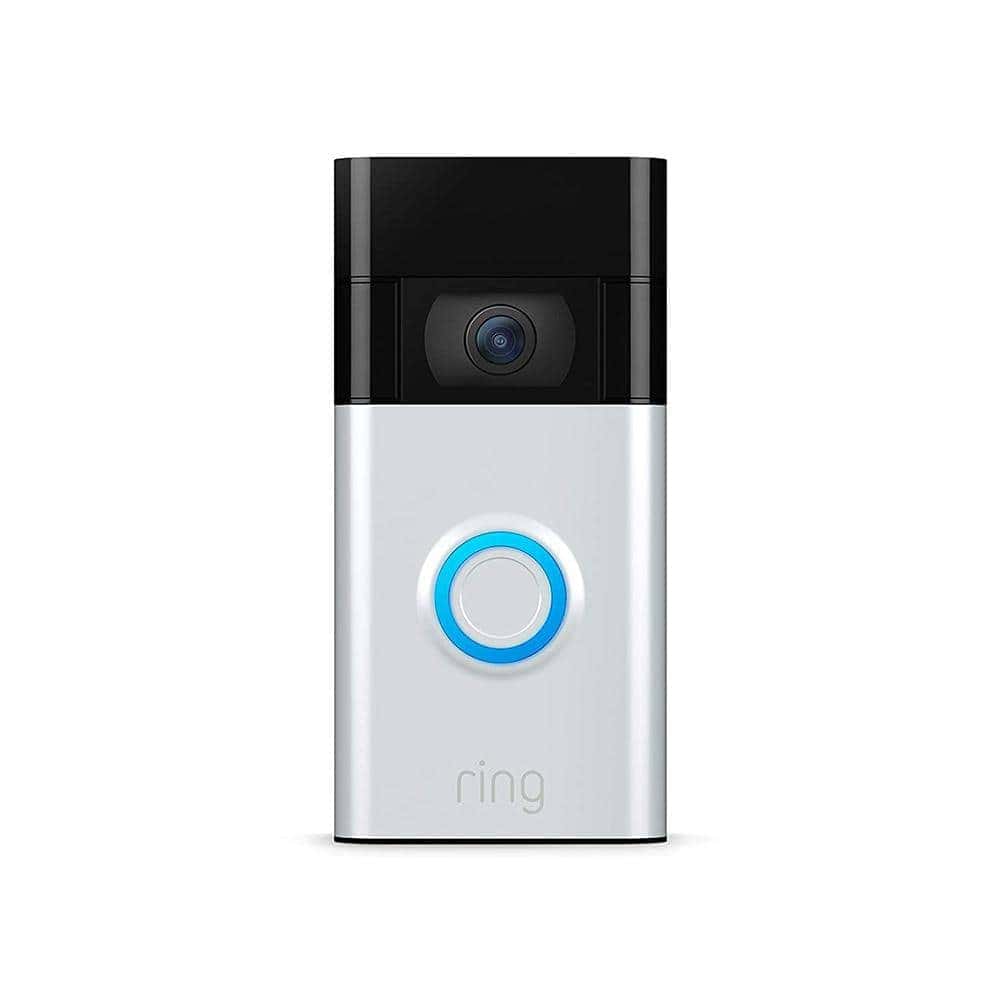
Charging your Ring camera battery for the first time is a crucial step in setting up your home security system. Many new users wonder about the optimal charging duration to ensure their device functions properly. The initial charge for a Ring camera battery typically takes 4-5 hours using the provided micro-USB cable and power source.
While this timeframe serves as a general guideline, several factors can influence the actual charging duration. The battery’s capacity, the power source used, and the charging conditions all play a role. It’s essential to fully charge the battery before installing your Ring camera to maximize its performance and longevity.
To begin the charging process, locate the battery compartment on your Ring device. Remove the battery cover by twisting it counterclockwise and gently pulling it out. Connect the micro-USB cable to the battery and plug it into a power source. A red light will indicate that charging is in progress. Once the light turns green, your Ring camera battery is fully charged and ready for use.
Charging Ring Camera Battery for the First Time
If you’ve just unboxed your Ring camera, charging the battery correctly before first use helps ensure the best performance and battery life. Follow the steps below to get started.
What You’ll Need
- Your Ring camera (or removable Ring battery)
- The included USB charging cable
- A USB power source (wall adapter, computer USB port, or power bank)
Step‑by‑Step Instructions
1. Locate the Battery
Depending on your Ring model:
- Removable battery models: Open the battery compartment by pressing the release tab.
- Built‑in battery models: Locate the charging port on the camera itself.
2. Remove the Battery (If Applicable)
- Slide the battery out gently.
- Some batteries may have a protective sticker—remove it before charging.
3. Connect the Charging Cable
- Plug the micro‑USB or USB‑C end into the battery or camera.
- Connect the other end to a USB power source.
4. Check the Charging Lights
- A red light means the battery is charging.
- A green light means the battery is fully charged.
- Some models show a blue or dual‑color indicator—refer to your model’s manual if unsure.
5. Allow a Full Initial Charge
- First‑time charging usually takes 4–10 hours, depending on the model.
- Leave the battery connected until the green light appears, even if it seems to charge quickly.
6. Reinsert the Battery
- Once fully charged, slide the battery back into the camera until it clicks securely.
After Charging: Setup Tips
- Download the Ring app and follow the in‑app setup instructions.
- Install your camera only after the battery is fully charged.
- Avoid extreme temperatures during charging for best battery health.
Helpful Tips
- Use the original Ring cable when possible.
- Charge indoors at room temperature.
- Recharging before the battery drops below 20% can help extend its lifespan.
Your Ring camera is now ready to be set up and installed. Enjoy the added security and peace of mind!
Key Takeaways
- Ring camera batteries typically need 4-5 hours for their first charge
- Fully charging the battery before installation ensures optimal performance
- A green light indicates when the battery is fully charged and ready for use
Preparing Your Ring Camera Battery for First-time Charging
Before charging your Ring camera battery for the first time, you need to set things up. This involves finding the right parts and getting to the battery.
Identifying the Correct Charging Components
To charge your Ring camera battery, you’ll need a micro-USB cable and USB power source. These usually come with your Ring device. If not, you can use any micro-USB cable and a USB wall adapter or computer port.
Make sure the cable fits snugly into your Ring battery. A loose connection can slow down charging or stop it completely.
Check that your power source can provide enough juice. A wall adapter usually works best. Computer USB ports may charge more slowly.
Accessing the Battery Compartment
Getting to your Ring camera battery depends on which model you have. For most Ring doorbells, follow these steps:
- Find the security screw at the bottom of the device
- Use the included screwdriver to remove it
- Lift the faceplate away from the wall
- Press the release tab to take out the battery
Some Ring cameras like the Stick Up Cam have a different design. Look for a button or latch on the device’s back or bottom. Press it to open the battery compartment.
Be gentle when removing the battery. Avoid pulling too hard or using tools that could damage the device.
First-time Charging Process and Tips
Charging your Ring camera battery for the first time is simple. Follow these steps to ensure optimal performance and longevity of your device.
Initiating the Charging Process
To start charging your Ring camera battery, remove it from the device. Look for a small security screw at the base of the doorbell. Take it out and lift the faceplate. Press the release tab to remove the battery.
Connect the battery to the charging cable. Plug the cable into a USB power source. You can use a wall adapter or computer USB port. Make sure the connection is secure.
The battery will start charging right away. It’s best to let it charge fully before use.
Understanding Charging Indicators
Ring batteries have lights to show charging status. When you plug in the battery, a red light will turn on. This means it’s charging.
The light will turn blue when the battery is fully charged. If the light doesn’t change after several hours, check the connection. Make sure the cable is plugged in properly.
You can also check the battery level in the Ring app. But this only works when the battery is in the device.
Optimizing Battery Life During Charging
For the best results, charge your Ring battery in a cool, dry place. Avoid extreme temperatures. They can harm the battery.
It takes about 4-5 hours to fully charge a Ring battery. Don’t leave it plugged in for much longer. This can reduce battery life over time.
Use the official Ring charging cable. Other cables might not work as well. They could even damage the battery.
If your battery isn’t holding a charge, contact Ring support. They can help troubleshoot or replace faulty batteries.
Frequently Asked Questions
Ring camera batteries require proper charging and maintenance. Knowing the basics helps ensure optimal performance and longevity.
How long does it typically take to fully charge a Ring camera battery?
A Ring camera battery takes about 5 to 10 hours to fully charge. The exact time depends on the battery’s current level and the power source used.
For a completely dead battery it may take up to 4 hours. A battery at 50% capacity needs about 2 hours to reach full charge.
What indications show that a Ring camera battery is fully charged?
When fully charged the LED light on the battery turns green. The Ring app also shows the battery at 100% charge.
It’s best to unplug the battery once it’s full to avoid overcharging.
Can the lifespan of a fully charged Ring camera battery be extended, and if so, how?
Yes you can extend a Ring battery’s life. Here are some tips:
- Reduce motion alerts
- Lower video quality settings
- Place the camera in a cooler spot
- Clean the solar panel if you have one
- Use the device scheduling feature
These steps help the battery last 6 to 12 months between charges.
At what battery percentage should the Ring camera battery be recharged?
Recharge your Ring camera battery when it drops to 20% or lower. This prevents complete discharge which can harm the battery.
Set up low battery alerts in the Ring app. This reminds you to charge before the camera stops working.
Is overcharging a Ring camera battery a possibility and are there risks?
Modern Ring batteries have built-in protection against overcharging. But it’s still best to unplug once fully charged.
Leaving the battery plugged in for too long may reduce its overall lifespan. It can also waste electricity.
What are the steps for safely removing and charging a Ring camera battery?
Follow these steps to charge your Ring battery:
- Remove the battery from the camera
- Connect the charging cable to the battery
- Plug the other end into a power source
- Wait for the battery to fully charge
- Unplug and reinsert the battery into the camera
Always use the original charging cable for safety and best results.