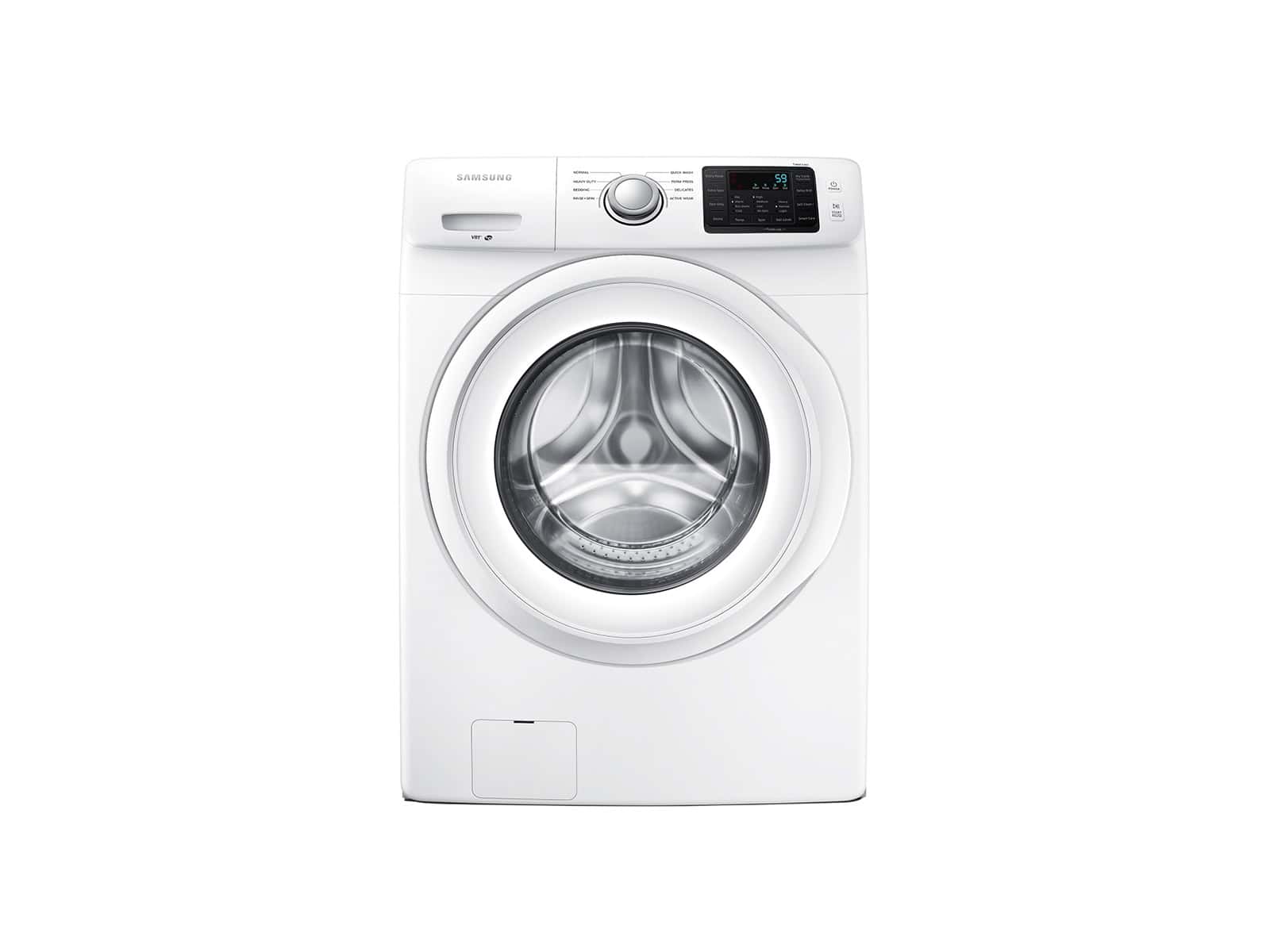
If your Samsung washing machine displays the SUD, SUd, Sd, or 5UD error code, it means the washer has detected excessive suds during a wash cycle. This safety feature prevents damage to the machine and helps ensure clothes are rinsed properly.
The good news: in most cases, this error can be fixed quickly at home.
What Does the Samsung SUD Error Code Mean?
The SUD error appears when the washer senses too many soap suds in the drum. Excess suds can interfere with draining, spinning, and rinsing, so the washer pauses or extends the cycle to reduce them.
This error is most common on high‑efficiency (HE) Samsung washers, especially front‑load and newer top‑load models.
Common Causes of the SUD Error
1. Too Much Detergent
Using more detergent than recommended is the number one cause of the SUD error.
2. Wrong Type of Detergent
Non‑HE detergent creates far more suds than HE‑rated detergent and can easily trigger the error.
3. Concentrated or Pod Detergents
Highly concentrated liquids or detergent pods can cause over‑sudsing if overdosed.
4. Soap Buildup Inside the Washer
Residue from repeated overuse of detergent can accumulate in hoses, the pump, and the drum.
5. Clogged or Slow Drainage
If water can’t drain efficiently, suds linger longer and the washer may falsely detect excess foam.
How to Fix the Samsung Washer SUD Error
Step 1: Pause and Let the Suds Dissipate
- Stop the cycle and wait 20–60 minutes
- The washer may automatically try to remove suds on its own
Step 2: Run a Rinse & Spin Cycle
- Select Rinse + Spin
- Do not add detergent
- This helps flush out excess soap
If the Error Keeps Returning
Step 3: Use the Correct Detergent
- Always use HE (High Efficiency) detergent
- Look for the “HE” symbol on the label
Tip: For most loads, use 1–2 tablespoons of HE detergent—more is not better.
Step 4: Reduce Detergent Amount
- Cut your usual amount in half
- Adjust further based on water hardness and load size
Step 5: Clean the Washer
Run a self‑clean / tub clean cycle:
- Empty the washer
- Select Self Clean or Pure Cycle
- Add washer cleaner or white vinegar (if recommended by your model)
- Complete the cycle
This removes detergent buildup that can cause repeat SUD errors.
Step 6: Check the Drain Filter (Front‑Load Models)
- Power off and unplug the washer
- Open the drain filter access panel
- Drain excess water
- Remove lint, debris, or soap residue
- Reinstall the filter securely
When to Call for Service
You may need professional service if:
- The SUD error appears with no detergent added
- The washer won’t drain or spin
- The error persists after multiple clean cycles
- You hear unusual pump noises
This could indicate a faulty pressure sensor, drain pump, or control board.
How to Prevent the SUD Error in the Future
- ✅ Use HE detergent only
- ✅ Measure detergent carefully
- ✅ Avoid adding extra soap for “very dirty” loads
- ✅ Run a monthly self‑clean cycle
- ✅ Clean the drain filter every few months
Quick Summary
| Issue | Solution |
|---|---|
| Too many suds | Reduce detergent amount |
| Wrong detergent | Switch to HE detergent |
| Soap buildup | Run a self‑clean cycle |
| Drain blockage | Clean drain filter |
Final Thoughts
The Samsung washer SUD error code is usually a detergent issue—not a mechanical failure. With proper detergent use and regular maintenance, most users can fix and prevent this problem without calling a technician.